
How to Find Pages That Tell AI and Search Engines to Ignore Them (Noindex)
Some of your pages carry an instruction telling crawlers not to list them. AI tools and search engines that respect it will skip those pages. It is almost always left on by accident.
In your report
Pages are telling crawlers to ignore them
What this means
A page can carry a hidden instruction that says "do not index me". It is meant for pages you want kept out of search, such as a thank-you page or a staging copy of your site.
This problem counts the pages our check found carrying it. Sometimes the instruction is not in the page at all but sent by the server along with it, which is the version most checking tools miss. The card says when that is the case.
Why it matters for AI
A crawler that respects the instruction leaves the page out. If it is on pages you want found, those pages do not exist as far as AI tools and search engines are concerned.
It is the most costly problem in the Read part of the score, because nothing else about a page matters once it is skipped.
Fix it with AI Schema Gen
Every step below is in the AI Schema Gen dashboard, whatever your site is built with. For the fixes to reach your pages, your site needs to be connected first: connect your site.
- 1
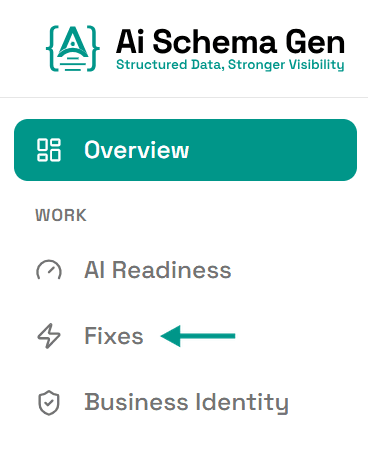
Open Fixes
In the menu on the left, click Fixes.
- 2
Find the card under Read
Scroll down to Read. The card ending telling crawlers to ignore them lists the first few pages. Check whether they are pages you want found.
- 3
Remove the instruction from pages you want found
This is a change on your side. The instruction is set on your own site: in your website builder, your SEO plugin, or by your developer if the server sends it.
AI Schema Gen cannot make this change from the dashboard: it works on the structured data of your pages, not on the pages themselves.
- 4
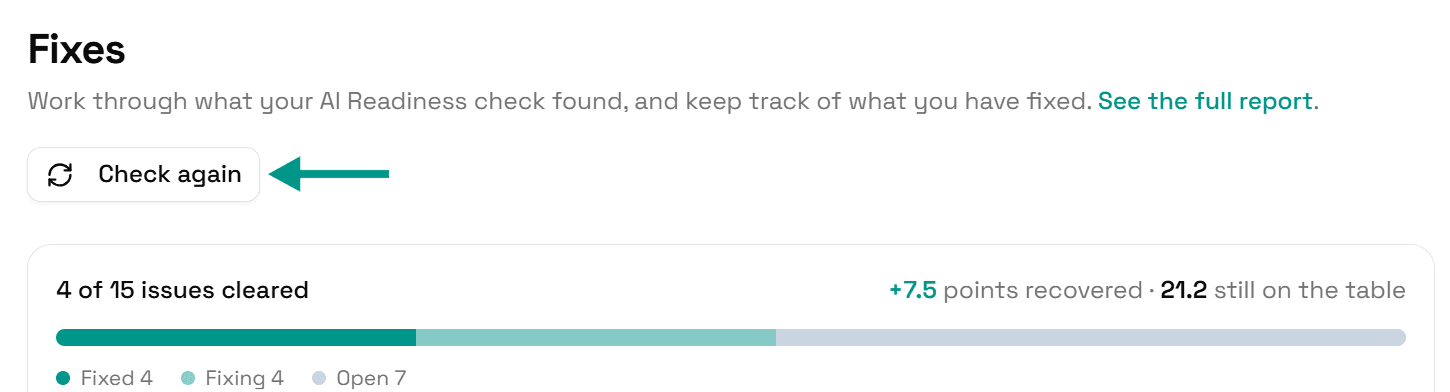
Check again
Go back to Fixes and click Check again. When those pages no longer carry the instruction, this problem moves to Resolved.
On WordPress
In WordPress, look first at Settings > Reading. If Discourage search engines from indexing this site is ticked, every page carries the instruction. Sites often go live with it still on from when they were being built.
Check it worked
Run the free AI readiness check again once your change is live. This problem should be gone from the Read part of the report.
FAQ
See what else your site needs
The free check lists every problem on your site in order of how much it costs you.
Check your site free