
Why AI Crawlers See a Blank Page on JavaScript Websites
Some of your pages arrive almost empty and only fill in once scripts run in a browser. Many AI crawlers do not run scripts, so to them these pages look blank. This one needs a developer.
In your report
Pages are empty until JavaScript runs
What this means
Our check downloads each page twice: once the way a basic crawler does, without running any scripts, and once in a real browser. This problem counts the pages that came back nearly empty the first way and full of content the second way.
It happens on sites built so that the browser assembles the page, instead of the server sending it ready-made.
Why it matters for AI
Crawlers differ in whether they run scripts. To any that do not, these pages are blank: no text, no headings, nothing to quote.
It is the most serious kind of reading problem, because it is not one detail missing. It is the whole page.
Fix it with AI Schema Gen
Every step below is in the AI Schema Gen dashboard, whatever your site is built with. For the fixes to reach your pages, your site needs to be connected first: connect your site.
- 1
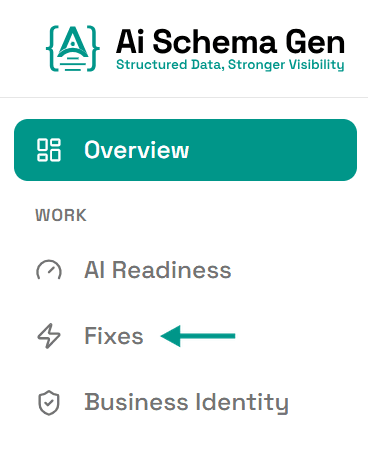
Open Fixes
In the menu on the left, click Fixes.
- 2
Find the card under Discover
Scroll down to Discover. The card ending empty until JavaScript runs lists the first few pages affected.
- 3
Have your developer send the pages ready-made
This is a change on your side. The site needs to send each page with its content already in it. That is a change to how the site is built, and it is a job for the developer who looks after it.
AI Schema Gen cannot make this change from the dashboard: it works on the structured data of your pages, not on the pages themselves.
- 4
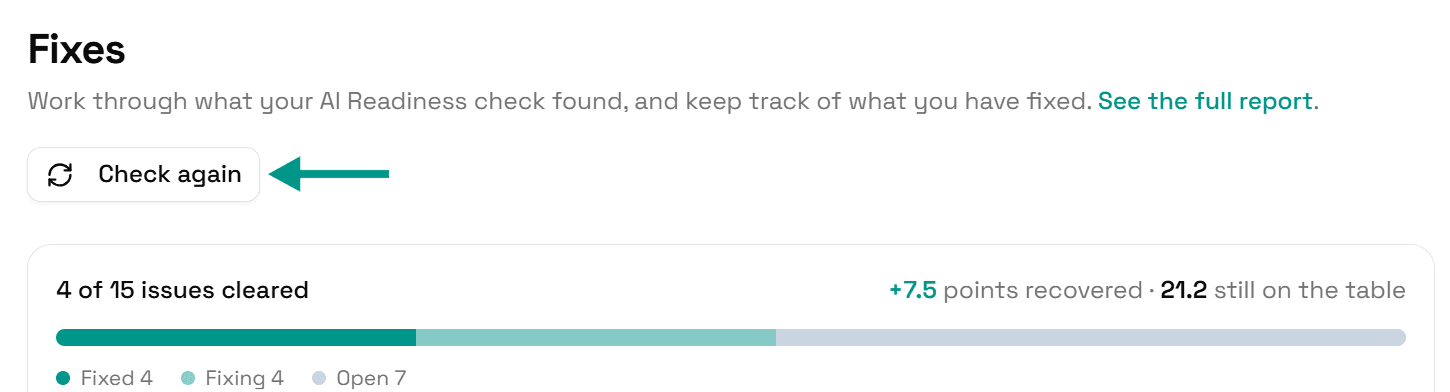
Check again
Go back to Fixes and click Check again. When the pages arrive with their content in them, this problem moves to Resolved.
Check it worked
Run the free AI readiness check again once your change is live. This problem should be gone from the Discover part of the report.
FAQ
See what else your site needs
The free check lists every problem on your site in order of how much it costs you.
Check your site free