
Why Heading Order Matters for AI (Headings That Skip Levels)
On some of your pages the headings skip levels, for example from the main heading straight to a third-level one. Headings are how an AI tool works out which parts of a page belong together.
In your report
Pages have headings that skip levels
What this means
Headings come in levels, like the outline of a document: the main heading, then sections, then sub-sections inside those. Each level should sit inside the one above it.
This problem counts the pages where a level is skipped, such as a main heading followed directly by a sub-sub-heading. It usually happens when a heading size was chosen for how it looks, not for where it sits in the outline.
Why it matters for AI
An AI tool uses the heading levels to split a page into sections and decide which text answers which question. When levels are skipped, that outline breaks and text gets filed under the wrong heading.
Fix it with AI Schema Gen
Every step below is in the AI Schema Gen dashboard, whatever your site is built with. For the fixes to reach your pages, your site needs to be connected first: connect your site.
- 1
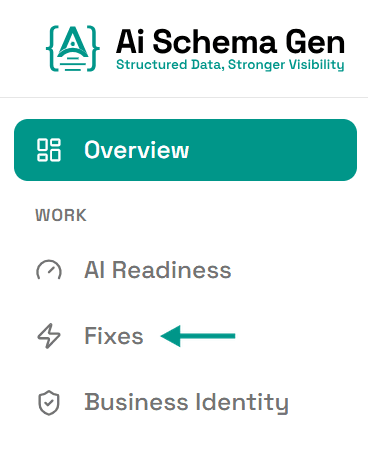
Open Fixes
In the menu on the left, click Fixes.
- 2
Find the card under Read
Scroll down to Read. The card ending headings that skip levels lists the first few pages.
- 3
Put the headings on those pages in order
This is a change on your side. Heading levels are part of the page itself and are set in your website builder or theme.
AI Schema Gen cannot make this change from the dashboard: it works on the structured data of your pages, not on the pages themselves.
- 4
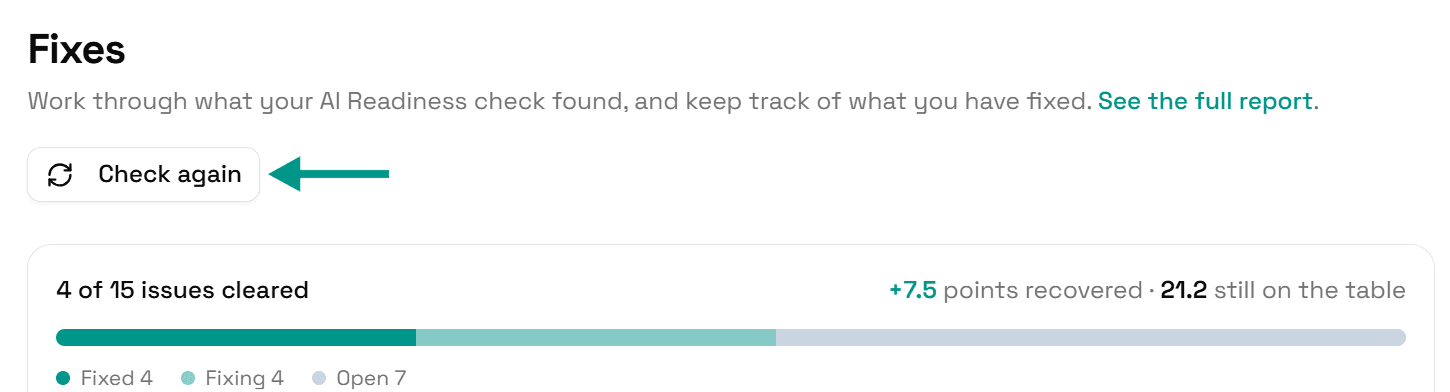
Check again
Go back to Fixes and click Check again. When the headings follow in order, this problem moves to Resolved.
Check it worked
Run the free AI readiness check again once your change is live. This problem should be gone from the Read part of the report.
FAQ
See what else your site needs
The free check lists every problem on your site in order of how much it costs you.
Check your site free