
Why AI Can't Answer Basic Questions About Your Business, and How to Fix It
An AI read your homepage and could not say what you do, where you are, who runs the business or how to reach you. The fix is to say those things plainly, in the right place on the page.
In your report
An AI could not answer basic questions about your business
What this means
Our check gives an AI model the text of your homepage and nothing else: no web search, no outside knowledge. Then it asks six questions a customer would ask about any business: what you do, where you are, which areas you serve, what you sell, who runs the business and how to contact you.
This problem means the page did not contain enough to answer some of them. If the model had to guess instead, the report says it had to guess rather than could not answer; the fix is the same.
Two details catch most people out. The test reads the main part of the page and skips the header, the footer and the menu, because those repeat on every page. And it reads the first 3,000 characters of that main part, roughly the first 450 words. An address that only appears in your footer, or a founder named at the very bottom of a long page, does not count.
Why it matters for AI
When someone asks an AI assistant about a business, the assistant can only repeat what it has been able to read. If your own homepage never says where you are or who runs you, an assistant has to piece it together from other websites, guess, or leave it out.
These six questions are also the ones that decide whether you get mentioned at all: an AI cannot suggest you for "a plumber in Leeds" if nothing it reads says you are a plumber in Leeds.
Fix it with AI Schema Gen
Every step below is in the AI Schema Gen dashboard, whatever your site is built with. For the fixes to reach your pages, your site needs to be connected first: connect your site.
- 1
Open Fixes
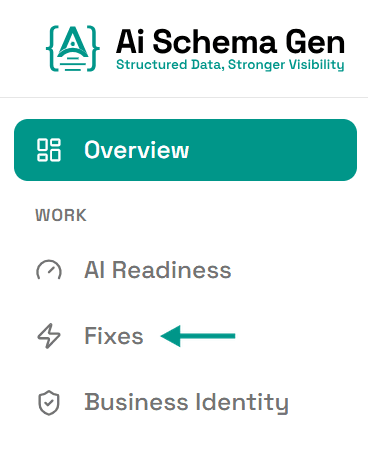
In the menu on the left, click Fixes.
- 2
See which questions the AI could not answer
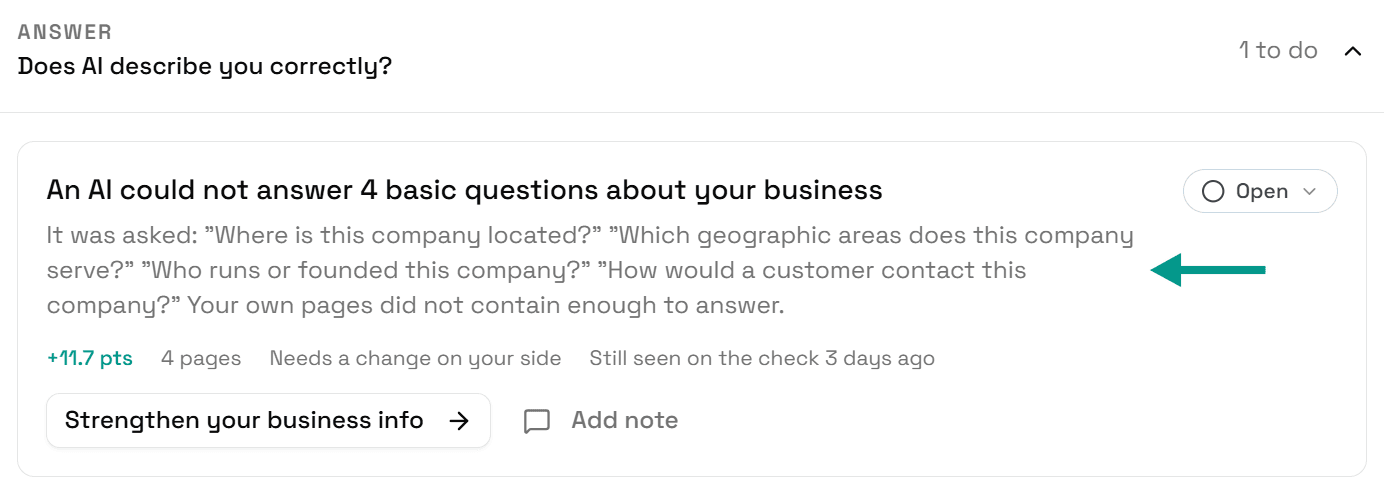
Scroll down to Answer. The card An AI could not answer basic questions about your business lists each question.
- 3
Answer them on your homepage
This part cannot be done from the dashboard. The answers have to be written on your homepage itself, in your own website editor, because that page is what the AI reads.
- 4
Click Add your business details
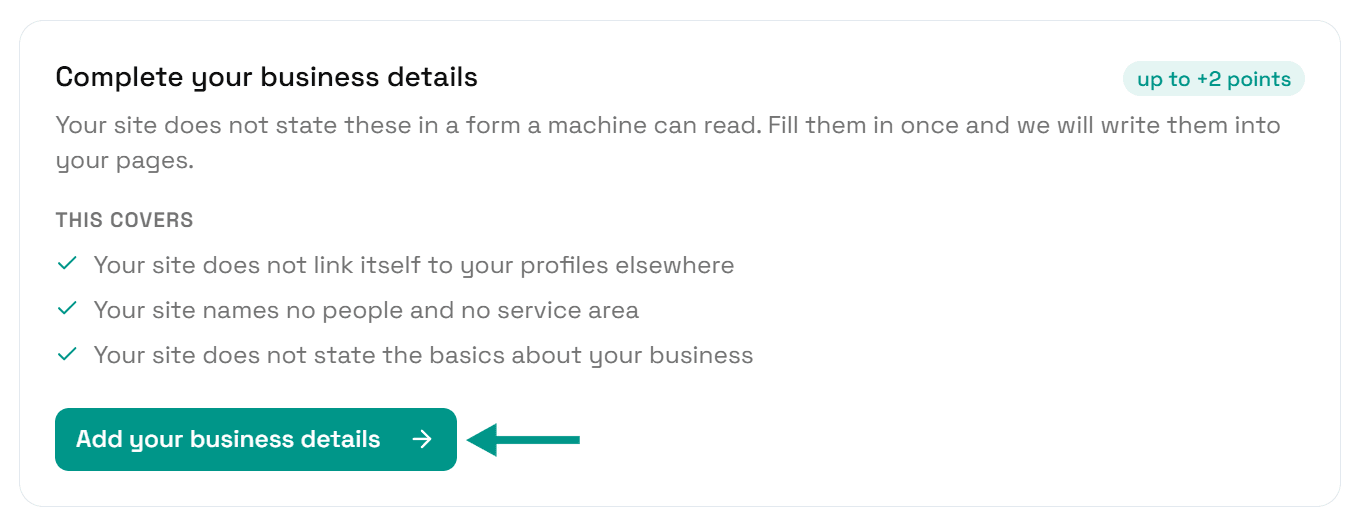
Back in Fixes, find Complete your business details and click Add your business details.
- 5
See what is missing
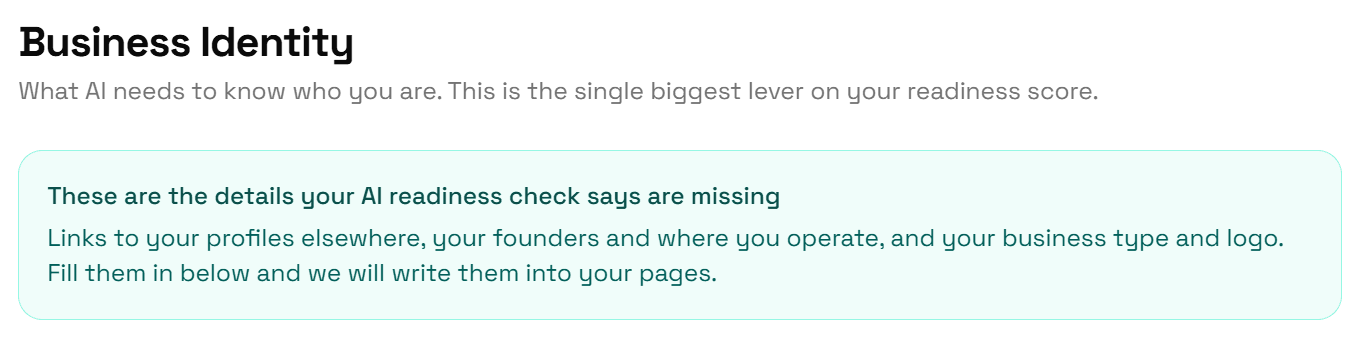
Business Identity opens with a box listing the details your check says are missing.
- 6
Fill in your contact details
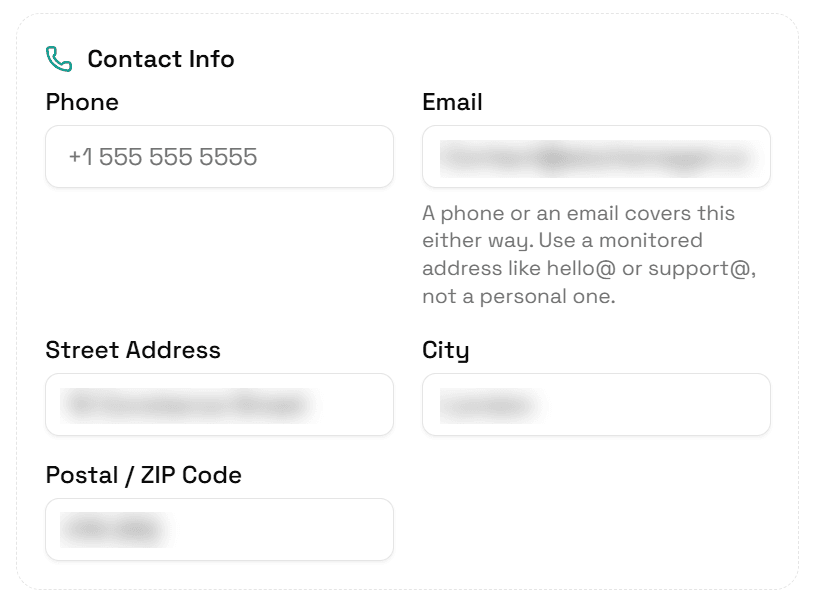
Under Contact Info, fill in Phone or Email, then Street Address, City and Postal / ZIP Code.
Fill in Description too, with a few plain sentences about what you do.
- 7
Add who runs the business
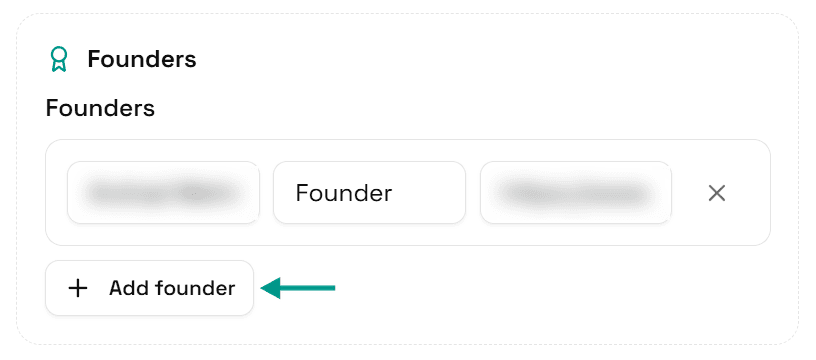
Under Founders, click Add founder and enter a name and role.
- 8
Add where you work
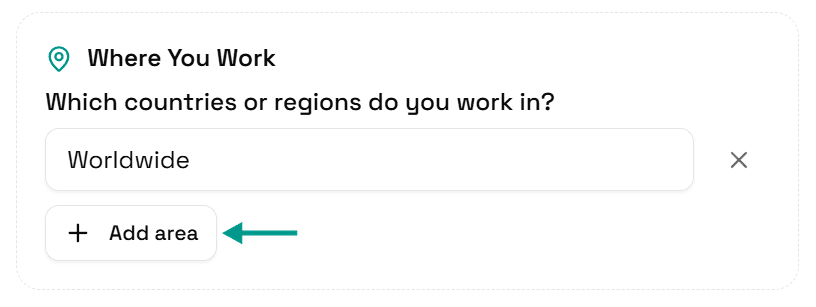
Under Where You Work, click Add area and type a town, region or country.
- 9
Click Save
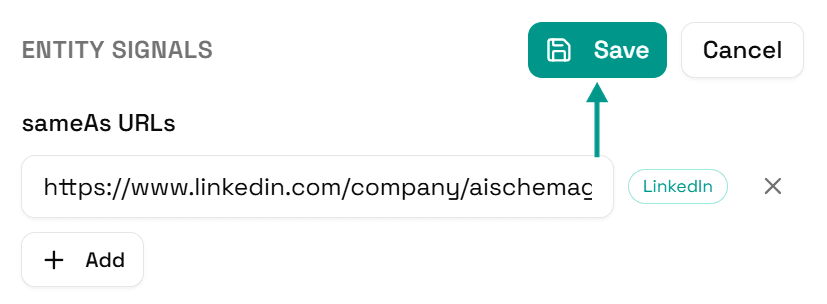
Scroll back up and click Save.
- 10
Your pages update
You will see Saved. Your live pages are being updated now.
If your pages could not be updated, the same box says why and what to do next, for example connect your site first.

- 11
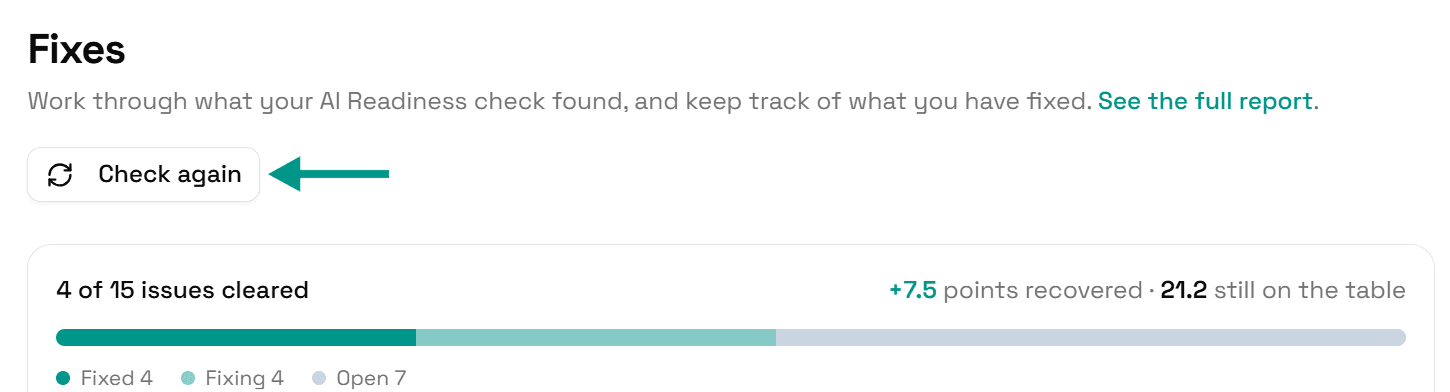
Check again
Once the new text is on your homepage too, go back to Fixes and click Check again. When the AI can answer every question, the card moves to Resolved.
On WordPress
Edit your homepage wording in WordPress as you normally would. Details you save in Business Identity reach the AI Schema Gen plugin when someone next opens your WordPress admin, or within 6 hours. So after saving, you may see that the plugin has not picked them up yet: open your WordPress admin once, come back, and click Try again.
Check it worked
Run the free AI readiness check again once your change is live. The Answer part of the report lists each question with what the AI answered and whether your structured data backs it up.
FAQ
Related fixes
- How to Connect Your Website to AI Schema Gen (WordPress, Next.js, Wix, Shopify and More)
- How to Tell AI the Basics About Your Business (Name, Type, Logo, Website)
- How to Make Your Phone, Email and Address Readable by AI
- How to Tell AI Who Runs Your Business and Where You Work
- How to Back Up What AI Says About Your Business With Structured Data
See what else your site needs
The free check lists every problem on your site in order of how much it costs you.
Check your site free