
How to Fix Missing Canonical Links (Which Page Address Is the Real One)
The same page can often be reached at several addresses. Your pages do not say which one is the real one, or worse, name a different website as the original. On Next.js sites one click in Fixes turns the right setting on.
In your report
Pages do not say which address is the real one
What this means
One page can have many addresses: with and without "www", with tracking codes on the end, and so on. A hidden line in the page, called a canonical link, tells machines which address is the real one.
Our report shows two versions of this problem. Pages do not say which address is the real one means the line is missing. Pages point at a different website as the original means the line is there but names someone else’s site, which is usually a copy-and-paste mistake or left over from a move.
Why it matters for AI
When the line is missing, nothing tells a crawler which copy to trust, so the credit for the page is split between its addresses.
When the line names another website, you are telling every machine that your page is a copy of theirs. That is worse than having no line at all.
Fix it with AI Schema Gen
Every step below is in the AI Schema Gen dashboard, whatever your site is built with. For the fixes to reach your pages, your site needs to be connected first: connect your site.
- 1
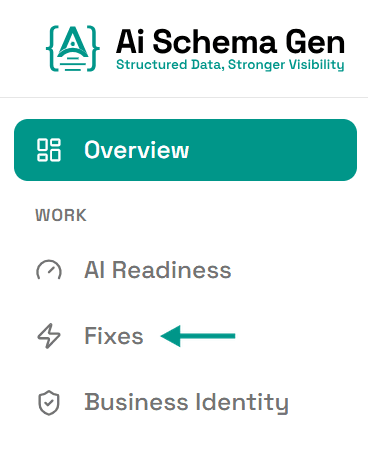
Open Fixes
In the menu on the left, click Fixes.
- 2
Click Turn on canonical links
Under Fix now, find Add a canonical link to every page and click Turn on canonical links.
We add the line to every page, pointing each page at its own address, and your site serves it from then on. You will see On. The next check will confirm it.
This button works on Next.js sites that use our package. If the card shows a message instead of the button, it says what is in the way.
- 3
If pages point at a different website
That line is written into your own pages, so it cannot be changed from the dashboard. Adding a second one would only make machines ignore both. It has to be corrected where it is written, in your website builder or by your developer.
- 4
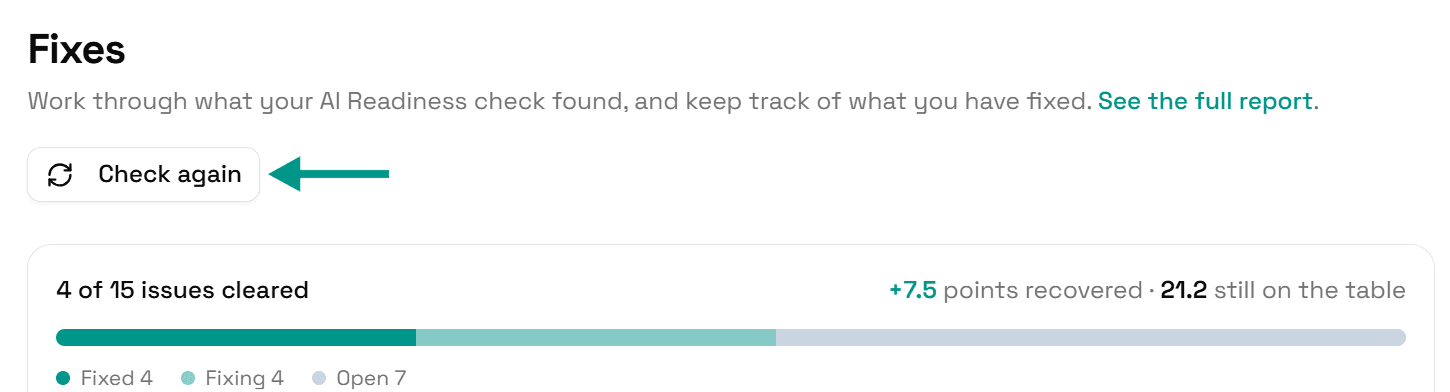
Check again
Go back to Fixes and click Check again. When each page names its own address, this problem moves to Resolved.
On WordPress
WordPress adds this line to posts and pages by itself, and SEO plugins such as Yoast SEO and Rank Math manage it for the rest of the site. Our plugin does not change it. If your WordPress pages are reported, look in the settings of your SEO plugin or theme.
Check it worked
Run the free AI readiness check again once your change is live. This problem should be gone from the Read part of the report.
FAQ
See what else your site needs
The free check lists every problem on your site in order of how much it costs you.
Check your site free