
Why Pages Need a Meta Description for AI Search
Some of your pages have no short description. A description gives an AI tool a ready-made summary of the page, in your words, instead of leaving it to invent one.
In your report
Pages have no description
What this means
Each page can carry a hidden one or two sentence summary, called a meta description. It is the grey text under the title in search results.
This problem counts the pages that have none.
Why it matters for AI
A description is your own summary of the page. Without it, an AI tool makes one up from whatever text it finds first, which may be a menu or a cookie notice.
Fix it with AI Schema Gen
Every step below is in the AI Schema Gen dashboard, whatever your site is built with. For the fixes to reach your pages, your site needs to be connected first: connect your site.
- 1
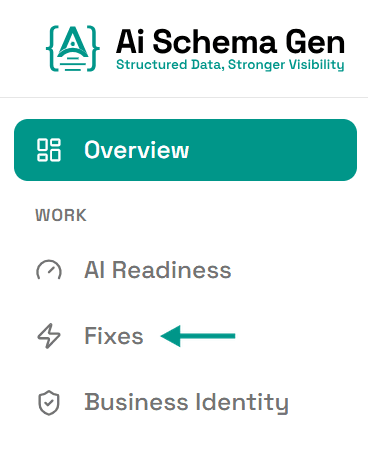
Open Fixes
In the menu on the left, click Fixes.
- 2
Find the card under Read
Scroll down to Read. The card ending have no description lists the first few pages.
- 3
Write a description for each of those pages
This is a change on your side. Page descriptions are set in your website builder or its SEO settings.
AI Schema Gen cannot make this change from the dashboard: it works on the structured data of your pages, not on the pages themselves.
- 4
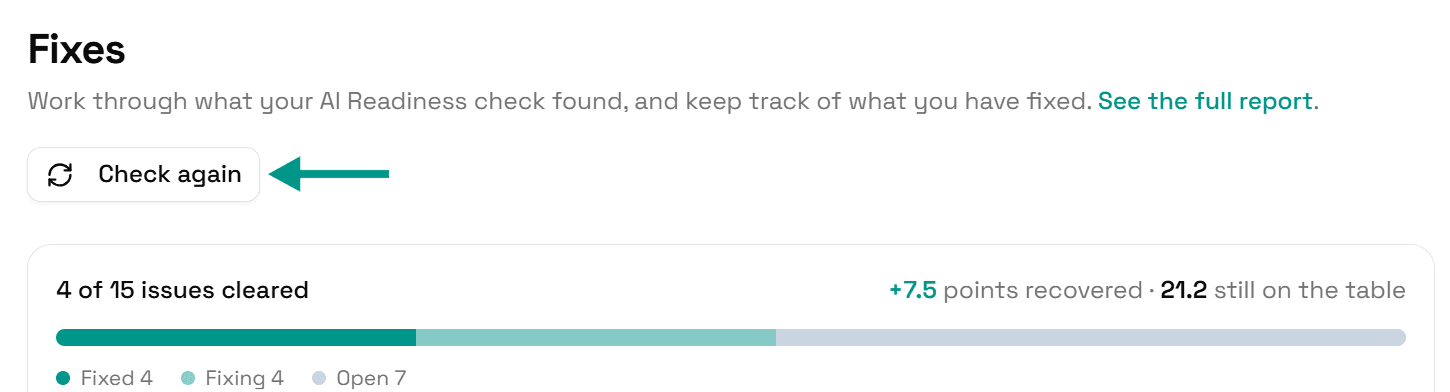
Check again
Go back to Fixes and click Check again. When every page has a description, this problem moves to Resolved.
Check it worked
Run the free AI readiness check again once your change is live. This problem should be gone from the Read part of the report.
FAQ
See what else your site needs
The free check lists every problem on your site in order of how much it costs you.
Check your site free